Isaac ROS RealSense Setup
Camera Compatibility
RealSense Model |
Supported? |
|---|---|
D455 |
✓ |
D435i |
✓ |
D415 |
✗ |
Note
For best results, you must update the camera’s firmware.
Setup Instructions
Note
This tutorial assumes that you have completed following the instructions Developer Environment Setup.
Clone the
librealsenserepository and setupudevrules. Remove any connected RealSense cameras when prompted:
cd /tmp && \
git clone https://github.com/IntelRealSense/librealsense && \
cd librealsense && \
./scripts/setup_udev_rules.sh
Clone the
isaac_ros_commonand the4.51.1release of therealsense-rosrepository:
Note
${ISAAC_ROS_WS}is defined to point to/ssd/workspaces/isaac_ros-dev/or~/workspaces/isaac_ros-dev/.cd ${ISAAC_ROS_WS}/src git clone https://github.com/NVIDIA-ISAAC-ROS/isaac_ros_common.git git clone https://github.com/IntelRealSense/realsense-ros.git -b 4.51.1
Plug in your RealSense camera before launching the Docker container in the next step.
Configure the container created by
isaac_ros_common/scripts/run_dev.shto includelibrealsense. Create the.isaac_ros_common-configfile in theisaac_ros_common/scriptsdirectory:
cd ${ISAAC_ROS_WS}/src/isaac_ros_common/scripts && \
touch .isaac_ros_common-config && \
echo CONFIG_IMAGE_KEY=ros2_humble.realsense > .isaac_ros_common-config
Launch the Docker container:
cd ${ISAAC_ROS_WS}/src/isaac_ros_common && \
./scripts/run_dev.sh ${ISAAC_ROS_WS}
This rebuilds the container image using
Dockerfile.realsensein one of its layered stage. Rebuilding can take several minutes.
After the container image is rebuilt and you are inside the container, you can run
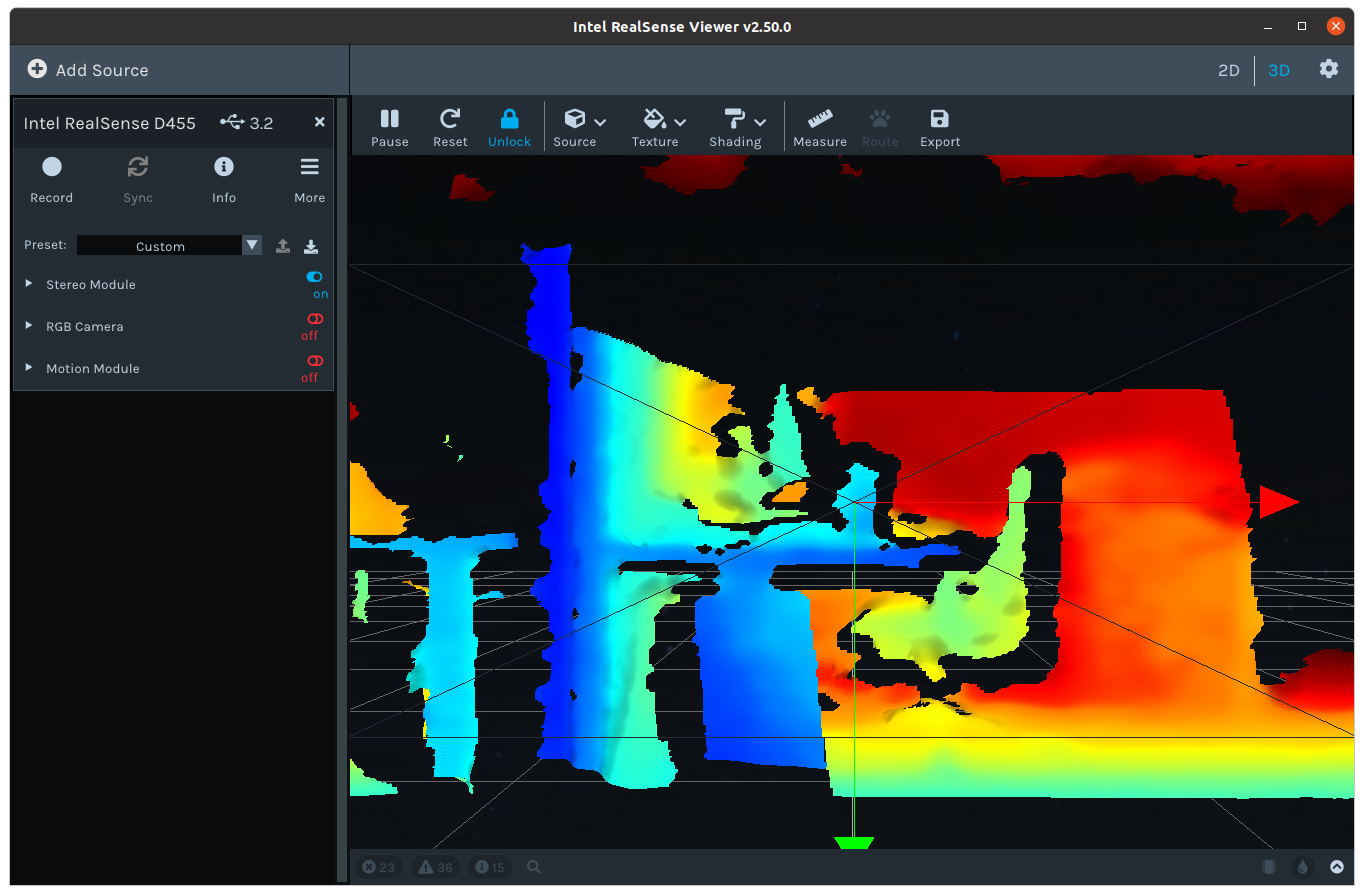
realsense-viewerto verify that the RealSense camera is connected.
realsense-viewerIf you turn on the “Stereo Module” in the GUI, you should see something like the following: