Tutorial With Zed
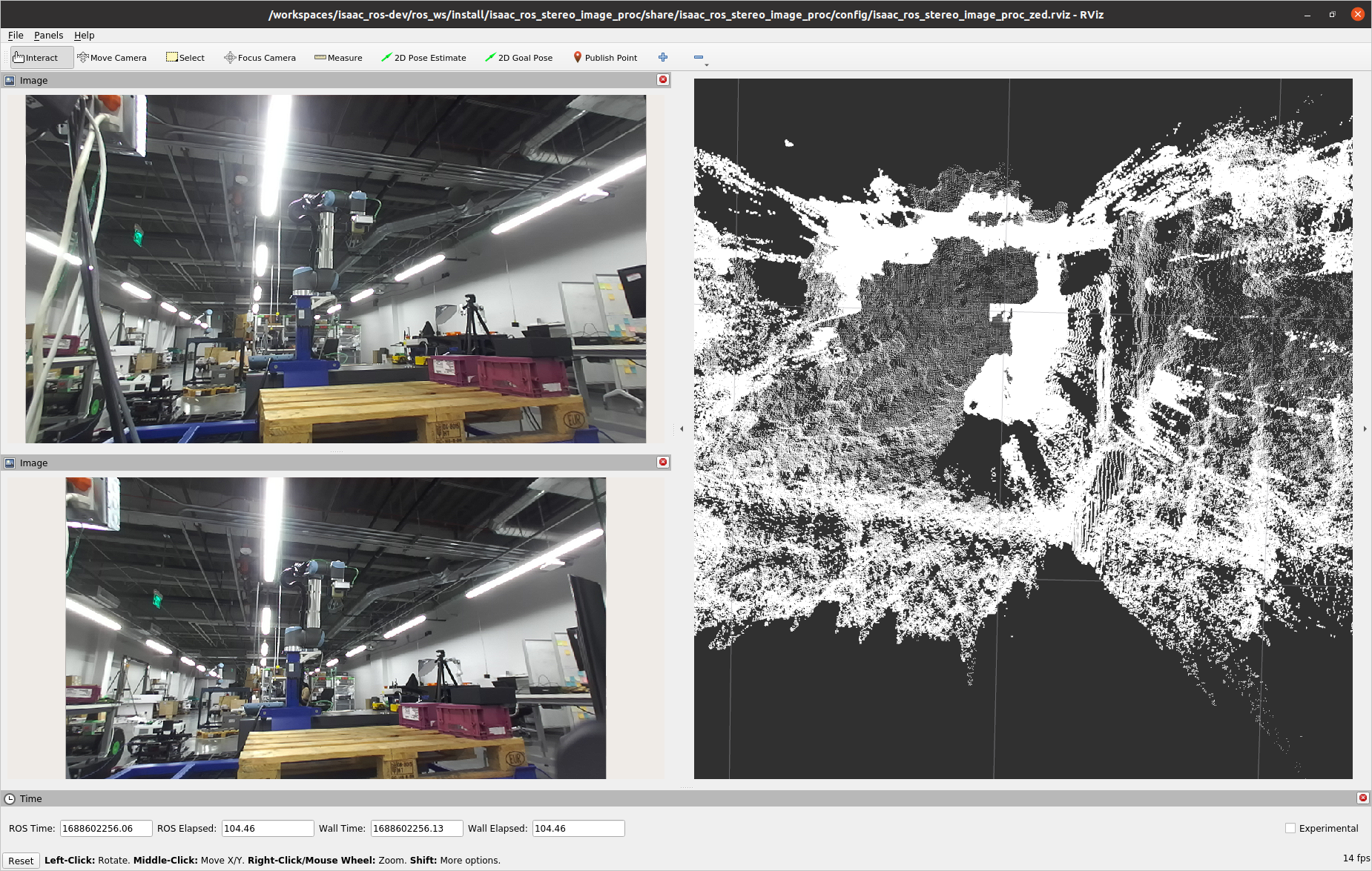
Overview
This tutorial demonstrates how to perform stereo-camera-based reconstruction using a Zed camera and disparity_node.
Note
This tutorial requires a compatible ZED camera from the list of available cameras.
Tutorial Walkthrough
Complete the Zed Setup Tutorial.
Open a new terminal and launch the Docker container using the
run_dev.shscript:cd ${ISAAC_ROS_WS}/src/isaac_ros_common && \ ./scripts/run_dev.sh
Build and source the workspace:
cd /workspaces/isaac_ros-dev && \
  colcon build --symlink-install && \
  source install/setup.bash
Note
If you are not using the ZED2i camera, modify the
camera_modelvariable in the launch file tozed,zed2,zed2i,zedm,zedxorzedxm. Also change the Fixed Frame in RViz tocamera_model+_left_camera_optical_frame.Run the launch file, which launches the example, and wait for 10 seconds:
ros2 launch isaac_ros_stereo_image_proc isaac_ros_stereo_image_pipeline_zed.launch.py